How to pass KYC verification and fix a rejection?
 Adilia
You are ready to withdraw your Bitcoin, mint a digital miner, or get the GoMining card, and the app asks you to confirm your identity first. That step is KYC, and if the check comes back rejected, it can feel like a dead end. Most of the time it is not.
A rejection almost always comes down to one fixable thing: a photo that was too dark, a document the level does not accept, or an address paper that is out of date.
This guide explains what KYC is, how to pass each level on the first try, and exactly what to change if your verification is rejected.
What KYC is and why GoMining asks for it?
KYC stands for "Know Your Customer," and it is a standard identity check used across regulated finance. GoMining uses it to keep your account safe from fraud and to meet the rules it operates under.
You complete it once for a given level, right inside the app, and it is free. Nothing about your miners or your rewards changes while a check is running. Verification simply unlocks the actions that need a confirmed identity.
What verification levels does GoMining have?
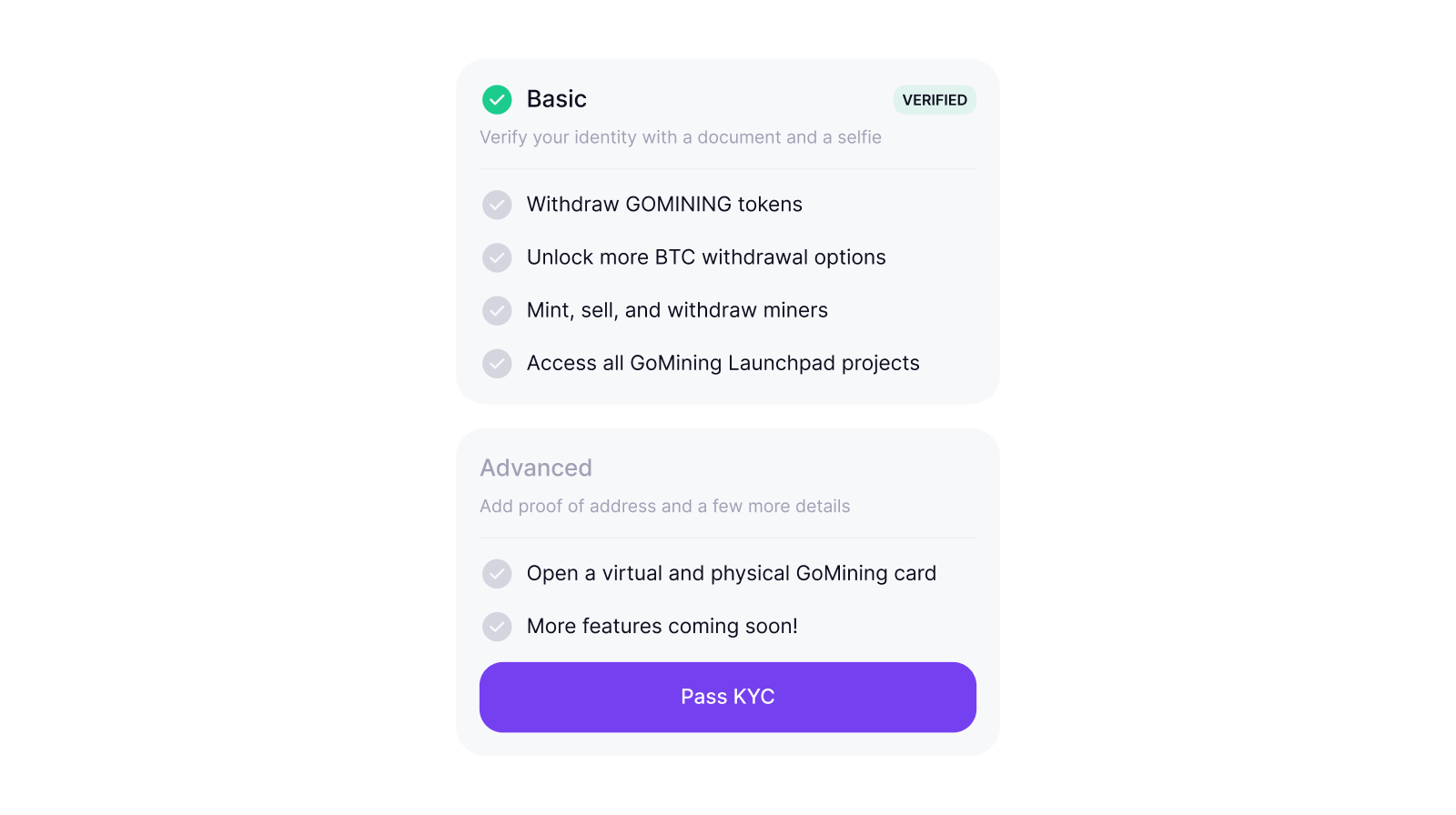
GoMining has two KYC levels, and each unlocks a different set of features.
Basic verification
Basic verification confirms your identity with a photo of an ID document and a short selfie. You need it to make withdrawals, to buy or sell a digital miner on the marketplace, and to unlock many of the features across the GoMining ecosystem. In some regions, it is also required before you can deposit, buy crypto, or use Instant Funds.
It is available in almost every country, with a short list of excluded jurisdictions. In some regions we ask for a little more: proof of address and a short due diligence questionnaire. This fuller version is called Basic Plus. The exact documents depend on where you are.
Advanced verification
Advanced verification goes further. On top of your identity, it collects your email, phone number, tax details, proof of address, and a short financial questionnaire.
You need Advanced verification to issue the GoMining Visa card. It is offered only where you are eligible, so the option may not appear for every account.
How to pass Basic verification?
Have your document ready before you start. A valid national passport, a national ID, a residence card, or a driver's license all work for Basic verification. Then follow these steps.
1. Open Profile, go to Security, and select KYC:
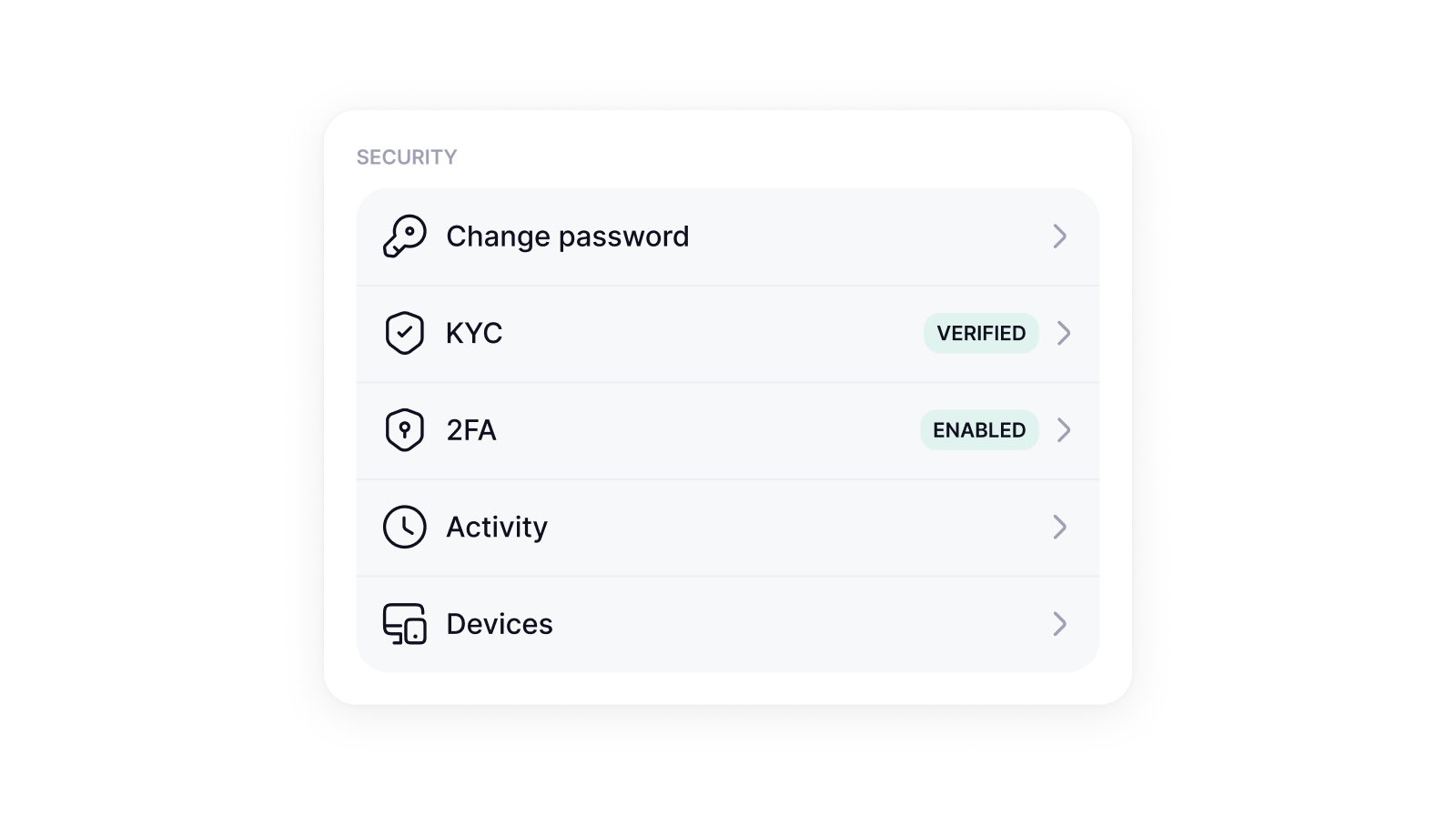
2. Under the Basic verification section, tap Pass KYC, then tap Start verification.
3. Tap Start verification.
4. Choose the country that issued your document, and the document type.
5. Take a live photo of the document. Make sure it is bright, in focus, and that all four corners are inside the frame.
6. Record the selfie by slowly turning your head in a circle when the app prompts you.
- Review the details you submitted, then confirm.
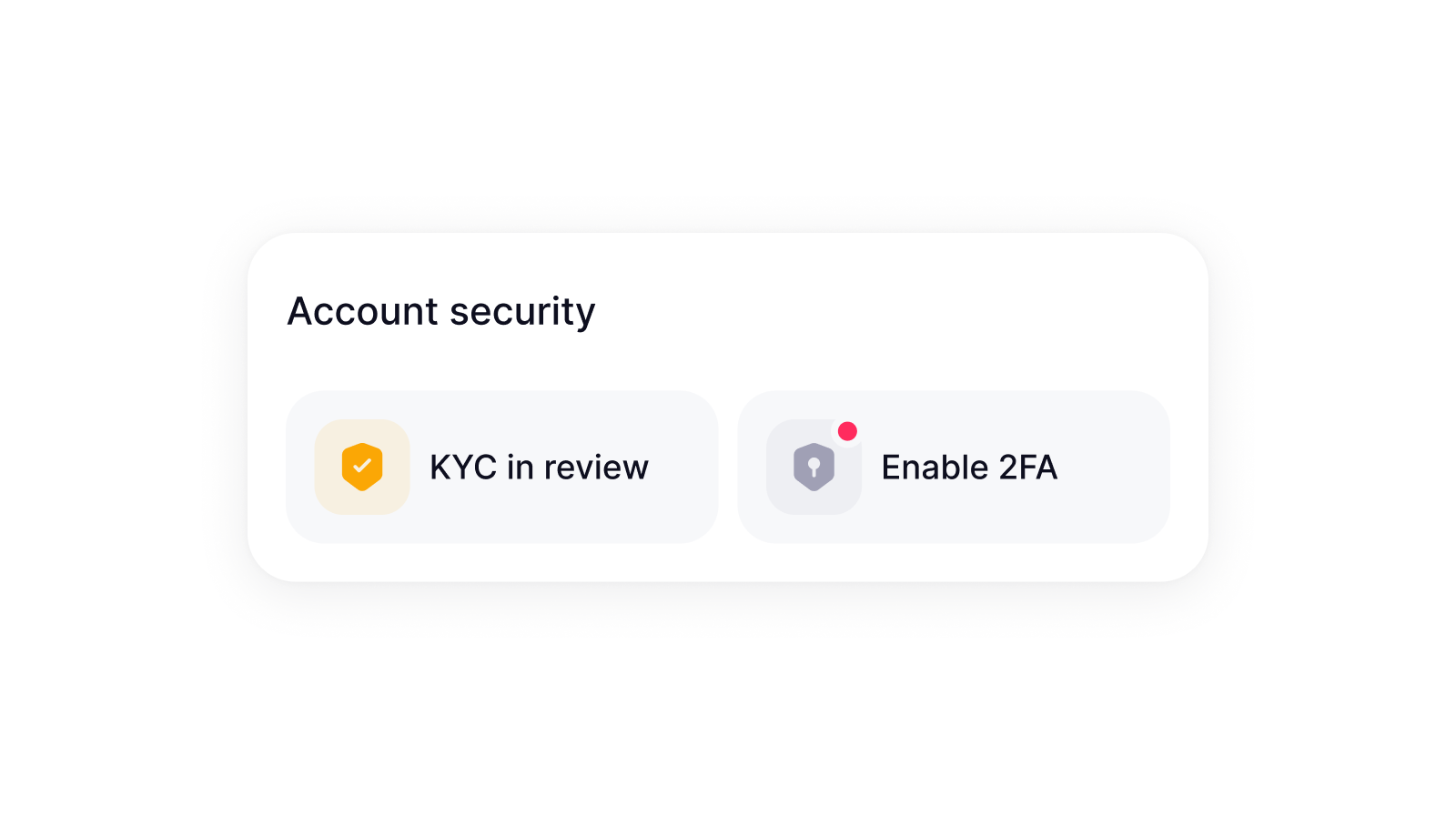
Most Basic verification checks finish within a few minutes. Some take longer, so you do not have to wait on the screen. Reopen Profile, then Security, then KYC to see the result.
How to pass Advanced verification?
Advanced verification asks for more, so set aside a few extra minutes and keep a recent proof of address handy. You start from the same place in the app.
1. Open Profile, go to Security, and select KYC:
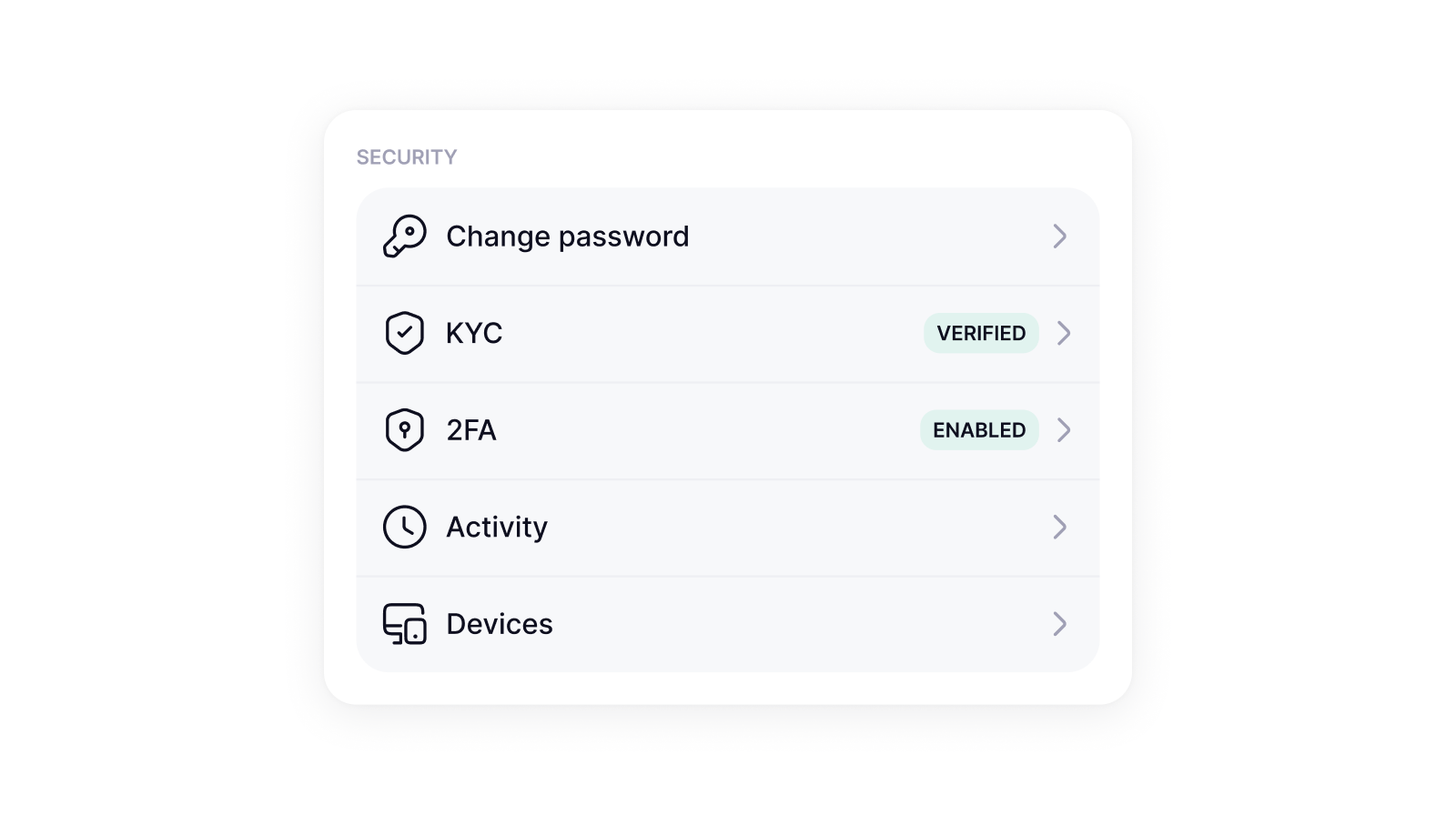
2. Under the Advanced verification section, tap Pass KYC, then tap Start verification.
3. Enter your email address and submit the code that is sent to it.
4. Select your country of tax residence.
5. Choose your document type. A driver's license is not accepted as proof of identity at Advanced verification, so use a passport, a national ID, or a residence card.
6. Fill in your employment status, source of funds, and annual income.
7. Enter your mobile number and confirm the SMS code.
8. Record the selfie, again turning your head in a circle.
9. Upload your proof of address.
Your proof of address has to be dated within the last three months and clearly show your full name and your home address. A bank statement, a utility bill (electricity, water, gas, internet, and similar), a mobile bill, or an official government letter all qualify. A PO Box address is not accepted.
Why verification gets rejected, and how to fix it?
A rejection is rarely a dead end. It usually points to one specific item the check could not read or could not accept. Fix that item, then submit again. These are the causes we see most often.
- The document photo is blurry, too dark, or has a corner cut off. Retake it in good light, hold the camera steady, and keep the whole document inside the frame.
- The document is wrong for the level. A driver's license passes Basic verification but is not accepted as proof of identity at Advanced verification. Switch to a passport, a national ID, or a residence card.
- The proof of address is too old or incomplete. It has to be from the last three months and show your full name and home address. A statement with only a partial name, or a PO Box, will be rejected.
- The details do not match. The name on your ID and the name on your proof of address should be the same. If you recently changed your name, use documents that already reflect the new one.
- The selfie did not capture. Make sure your face is well lit and complete the full head turn when the app asks.
- Your country is not supported. Basic verification is closed in a small number of jurisdictions, and the card (Advanced verification) is not available everywhere.
If you have fixed the issue and the check still fails, contact support at [email protected]. Include your GoMining ID and a short note about which step failed. That lets the team look at your specific case instead of guessing.
How long does it take, and how to check your status?
Most verifications come back within a few minutes. When a check needs extra review, it can take longer, so an Advanced verification with several stages can run longer than a single Basic verification check. You do not need to sit and watch it. To see where your check stands, reopen Profile, then Security, then KYC at any time.
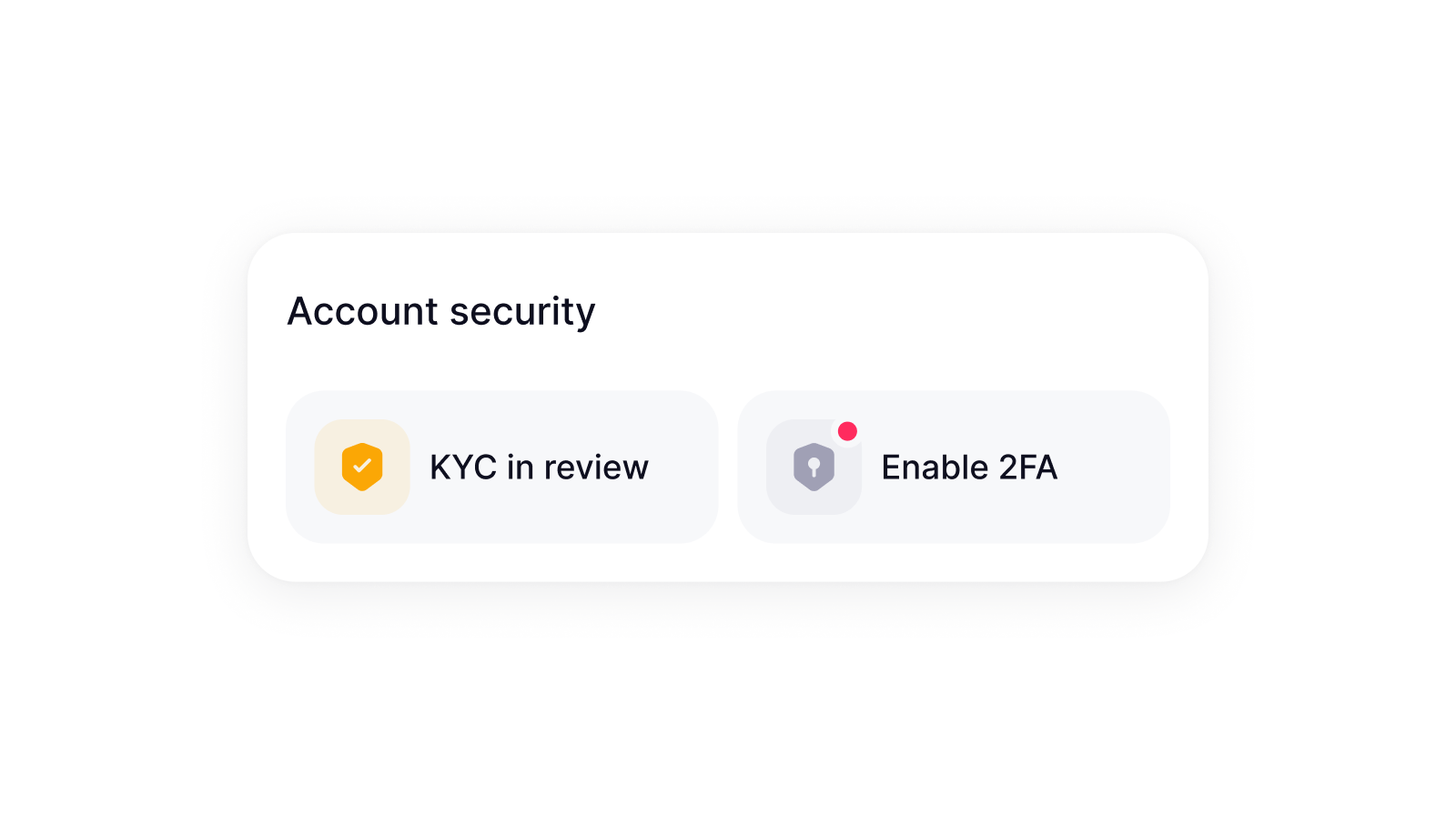
For Advanced verification, you also find out through the card itself: GoMining notifies you when the card is issued, or emails you if there is a problem issuing it.
FAQ
Do I have to pay to verify?
No. KYC is free at every level, and you do not pay anything if a check is rejected and you have to go through it again.
Can I use the same document for both levels?
You can reuse a passport or a national ID for both. A driver's license is fine for Basic verification, but it is not accepted as proof of identity at Advanced verification.
My Basic verification passed, but I still cannot issue the card. Why?
The card requires Advanced verification, which is a separate and deeper check, and it is available only where you are eligible. Passing Basic verification does not automatically qualify you for the card.
The card provider declined my card even though my KYC passed. Why?
Issuing the card is a separate approval made by the card provider, and it can be declined by their own checks. If that happens, the card cannot be reissued for the same account. Contact support for the details of your case.
How recent does my proof of address need to be?
Within the last three months, and it must clearly show your full name and your home address. PO Box addresses are not accepted.
I entered everything correctly, and it was still rejected. Why?
Start by retaking the document photo in better light, since image quality is the most common reason a check fails.
If it keeps failing, email [email protected] with your GoMining ID.
Can I try again after a rejection?
In most cases, you can correct the flagged item and submit the verification again. If the option to retry is not available in the app, contact support and they will guide you.
Results shown in any in-app example vary from account to account. Availability, requirements, and review times depend on your country and the document you use.